How to Set Amazon Price Alerts Before Prime Day
Set personal price limits on Amazon items before Prime Day to avoid impulse spending. CamelCamelCamel and Honey make it easy.
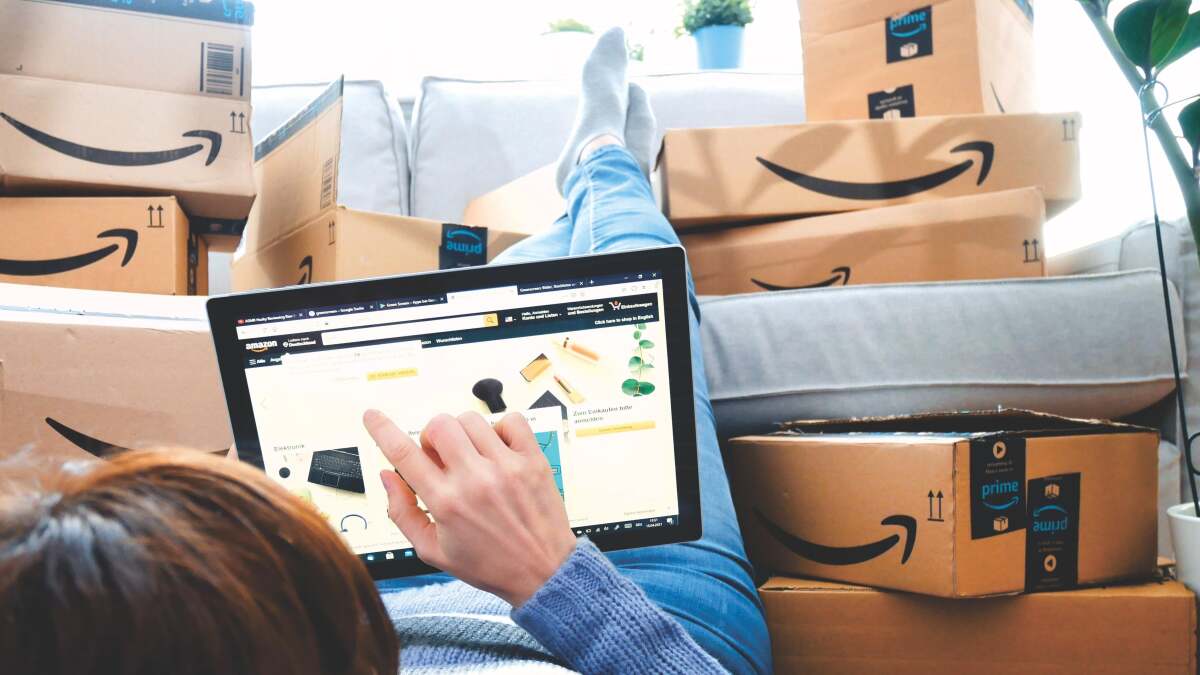

Credit: Elpisterra - Shutterstock
We may earn a commission from links on this page.
Amazon’s Summer Prime Day sale is nearly upon us once again—a month earlier than last year. Along the way, we’ll keep you updated on all the best deals we can find throughout the sale. But before you purchase anything, it’s a good idea to set your own price alerts, so you don’t overspend.
If you’re an impulse buyer, I needn’t tell you that shopping events like Prime Day can be bad news. Even though we know retailers are using all kinds of manipulation techniques to get us to buy things we don’t really need, it’s still easy to give in and buy too much. So this year, try setting your own prices in advance, and only hitting “checkout” for the things you already want to buy.
How to “Set Your Own Prices” on Amazon
No, you can’t make Amazon lower its prices at your whim. But you can set up an alert system to let you know if anything you want to buy dips in price enough to fit into your budget. Below is a step-by-step guide to setting your own personal maximum price for any item sold by Amazon:
- Identify the items you’d like to purchase, and add them to your Amazon wishlist. Make sure your wishlist is set to “public.”
- Visit the Amazon price-tracking website CamelCamelCamel and make a free account. There are other price-tracking apps and websites that do the same thing, more or less—Slick Deals, Honey, Keepa, etc.—so check out this overview of the best price-tracking tools if you want to compare them. For Amazon specifically, CamelCamelCamel is the top choice.
- Click “import wishlist.” (You’ll have to copy and paste the URL from your Amazon wishlist.)
- Once you’ve done that, CamelCamelCamel lets you add specific maximum prices (or percentage drops) for everything in your wishlist. Enter the maximum amount you’re willing to pay for each item, and then you can tell the price tracker to send you an email when an item’s price drops to your set spending limit.
- Ignore all the hype, “Lightning Deals,” and limited-time offer pressure, and wait for the email alert letting you know that your chosen items have become cheap enough to buy.
- Spend Prime Day secure in the knowledge that you’re sticking to your budget. Seriously, try not to browse Amazon’s website unnecessarily—it only takes a moment to end up buying another chocolate fountain or a self-stirring mug.
How to Set Price Alerts at Non-Amazon Retailers
CamelCamelCamel is an Amazon-only tracker, but other price-tracking services work with other retailers. Honey, PayPal’s retail service, supports 30,000 retailers. If you install the Honey browser extension, you can add an item from any supported retailer to your droplist and it will notify you when the price drops to the level you set. You can also compare the price of the same item across multiple websites, which is helpful if you want to verify that a Prime Day deal is actually a deal.